
CC Control Mobile for Android™1.0.2019.10221 - Google Play
You'll be able to see results in few seconds.
Publisher Description
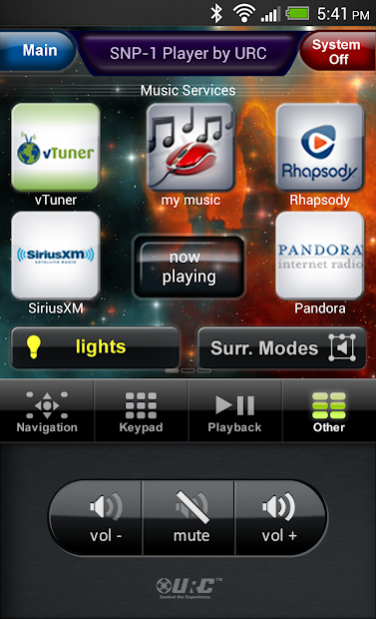
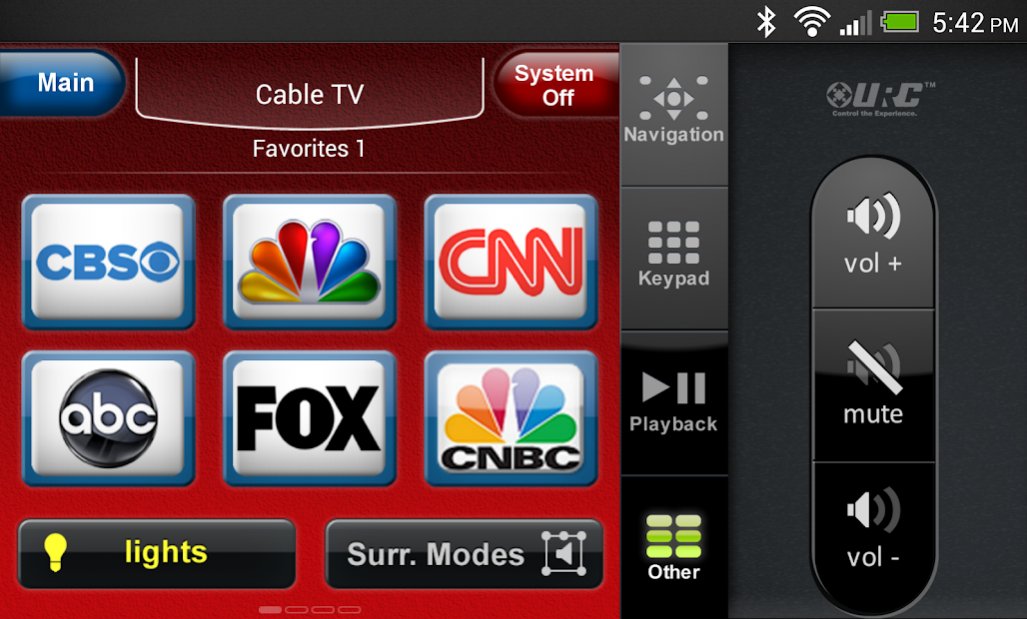

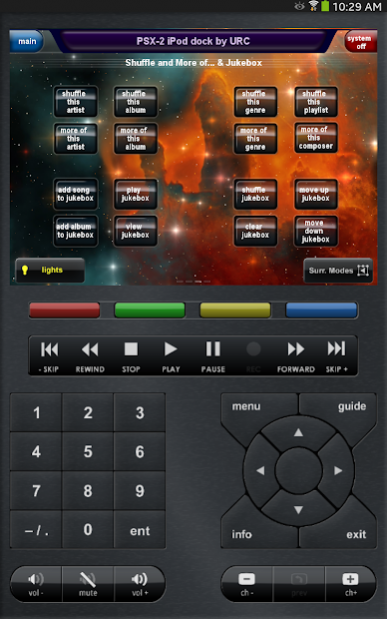
Leverage the power of your Android™ smartphone or tablet by turning it in to an amazing touchscreen remote for your URC Complete Control™ home automation system, complete with the Complete Control interface you’re already used to. With a fully tablet-optimized interface along with a phone sized interface you will swipe, tap and rotate your way to securely control all of your audio and video equipment, lights and so much more with this award-winning app!
The CC Control Mobile App for Android™ enables control of your A/V devices via a Wi-Fi connection right over the local area network (LAN) that is host to the connected MRX-1 or MRX-2 Network Base station from URC. Aided by dazzling, intuitive interfaces that can easily flip between portrait and landscape views, users can do everything from setting a DVR and navigating favorite channels to controlling music and videos while on the go.
PLEASE NOTE: A Complete Control home control system with a connected MRX-1 or MRX-2 is required to enjoy and access the features above. Unlimited Android devices can be setup in one system with one Setup Card/Code. Contact an authorized URC custom integration professional for programming and setup to have the app look and perform just the way you want.
Visit www.universalremote.com for more information on URC’s Complete Control system and to access a list of authorized dealers in your area via our Dealer Locator.
About CC Control Mobile for Android™
The company that develops CC Control Mobile for Android™ is Universal Remote Control, Inc. The latest version released by its developer is 1.0.2019.10221.
To install CC Control Mobile for Android™ on your Android device, just click the green Continue To App button above to start the installation process. The app is listed on our website since 2019-12-05 and was downloaded 0 times. We have already checked if the download link is safe, however for your own protection we recommend that you scan the downloaded app with your antivirus. Your antivirus may detect the CC Control Mobile for Android™ as malware as malware if the download link to com.urc.mxandroid.cccontrol is broken.
How to install CC Control Mobile for Android™ on your Android device:
- Click on the Continue To App button on our website. This will redirect you to Google Play.
- Once the CC Control Mobile for Android™ is shown in the Google Play listing of your Android device, you can start its download and installation. Tap on the Install button located below the search bar and to the right of the app icon.
- A pop-up window with the permissions required by CC Control Mobile for Android™ will be shown. Click on Accept to continue the process.
- CC Control Mobile for Android™ will be downloaded onto your device, displaying a progress. Once the download completes, the installation will start and you'll get a notification after the installation is finished.
Program Details
System requirements
Download information
Pricing
Version History
version 1.0.2019.10221
posted on 2019-12-05
Improvement for 64bit device compatibility
version 1.0.2018.10181
posted on 2018-11-28
Minor updates and performance improvements
version 1.0.2016.08011
posted on 2016-08-05
In version 1.0.2016.08011:,Performance improvements and minor bug fixes
Disclaimer
Official Google Play Link
We do not host CC Control Mobile for Android™ on our servers. We did not scan it for viruses, adware, spyware or other type of malware. This app is hosted by Google and passed their terms and conditions to be listed there. We recommend caution when installing it.
The Google Play link for CC Control Mobile for Android™ is provided to you by apps112.com without any warranties, representations or guarantees of any kind, so access it at your own risk.
If you have questions regarding this particular app contact the publisher directly. For questions about the functionalities of apps112.com contact us.
